


Google Ads
Use the power and reach of optimized Google Ads to effectively reach your target audience.
In the highly competitive digital marketing world, Google Ads offers an unmatched platform for online advertising. Here advertisers bid to display their ads, product and service offerings or videos to online users.
Why Google Ads have become the first choice of digital marketers? First of all, Google commands a great fan following. Google is the most preferred search engine where people flock to know more about businesses, products and services, and a lot more.
A single day Google receives over 5 billion searches. Apart from all these, Google Ads offer the best tools to make you digital marketing a stupendous success.
Figures released by Google suggest that businesses make USD 8 for every USD1 spent on every Google Ads ad.
With almost all businesses using Google Ads, no business can afford to ignore this e-marketing platform. The fact is, although you may be ranking high in terms of organic searches, your business could end up at the bottom of the search results page, if you don’t use Google Ads to market your brand.
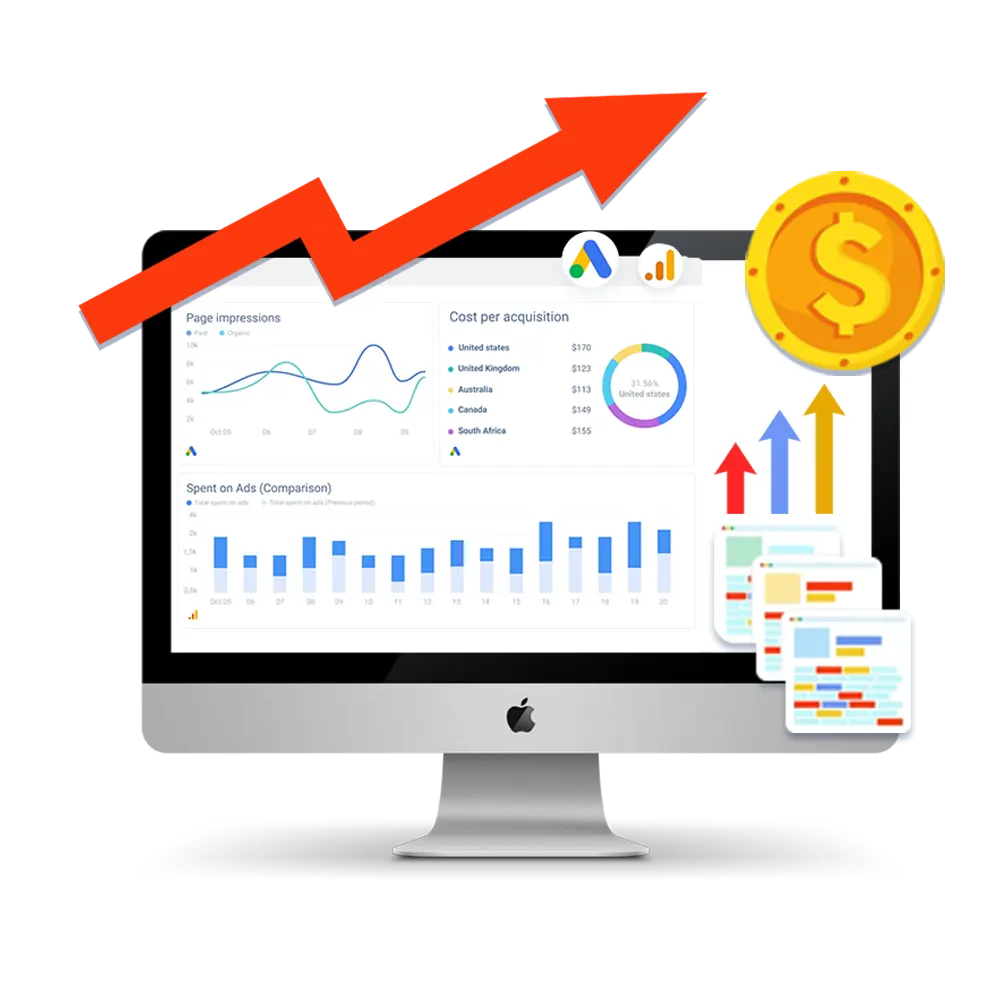
Optimize Google Ads
You need to optimize your Google Ads to make it perform as you wanted. The best Google Ads practices include using a PPC planning template, not using very broad keywords, running highly relevant ads that make sense and add value to your customers, getting a high-quality score for your ad, and optimizing your Google Ad landing page for better conversions.
There are certain methods to optimize your Google Ads performance within an austere budget. Some of the most popular optimization tactics are avoiding vanity metrics, creating an “Impression to Conversion” (ITC) column, having sufficient numbers of exact keywords and employing In-Market Segments in Google Analytics. With respect to vanity metrics, you must note that data columns that you don’t use on a daily basis, or that do not add value to your day-to-day optimizations need to be shunned outright.
How do you assess the performance of your Google Ads campaign? Use the Optimization score, which offers an estimate of the performance-readiness of Google Ads account. Scores can range from 0-100%, and 100% indicates that your account is all geared to run at maximum efficiency.
Google Ads offers a list of optimization recommendations for each campaign. It also tells you the impact on our optimization score if you apply each of those recommendations. Google Ads Optimization score is available at twin levels: Campaign Account and Manager Account levels. However, the score is available only for active Search, Display, Discovery, Video Action, and Shopping campaigns.
Google Ads: The most preferred ad platform
Essentially your google ads are placed in two digital places: search engine results page, non-search sites, mobile applications and video channels. Businesses find Google Ads as the most effective digital ad platform to reach the target audience with high ROI. It is the most preferred ad channel owing to its wide reach.
The fact that Google Ads are highly scalable, adds to its popularity and value. Scalability means if you are running a Google Ads campaign that is “profitably” converting, you need not put any arbitrary cap on that campaign spend. If you raise your PPC budget, you naturally get more leads and profits.
Flexibility is another key feature of Google Ads. Google Ads provides a host of tools to customize your campaigns and ads to meet specific goals and precisely target audiences.
Further, Google Ads allows you to run campaigns staying well within your budget.
Significantly, Google Ads PPC is one of the most measurable marketing campaigns. On the contrary, it’s not that easy to measure SEO performance as it is not always clear as to what actions resulted in higher or lower rankings. Because they are measurable, Google Ads help you fine-tune your marketing to better your reach and conversions.
Google Ads are designed for twin platforms: Mobiles and desktops. They can be used for highly targeted ad campaigns, as your ads will appear to the target audience at the time when they are searching for products and services similar to yours using search engines.
Finally, Google ads can engage customers at multiple locations apart from Google. They can be placed additionally on channels like YouTube, Blogger and Google Display Networks.
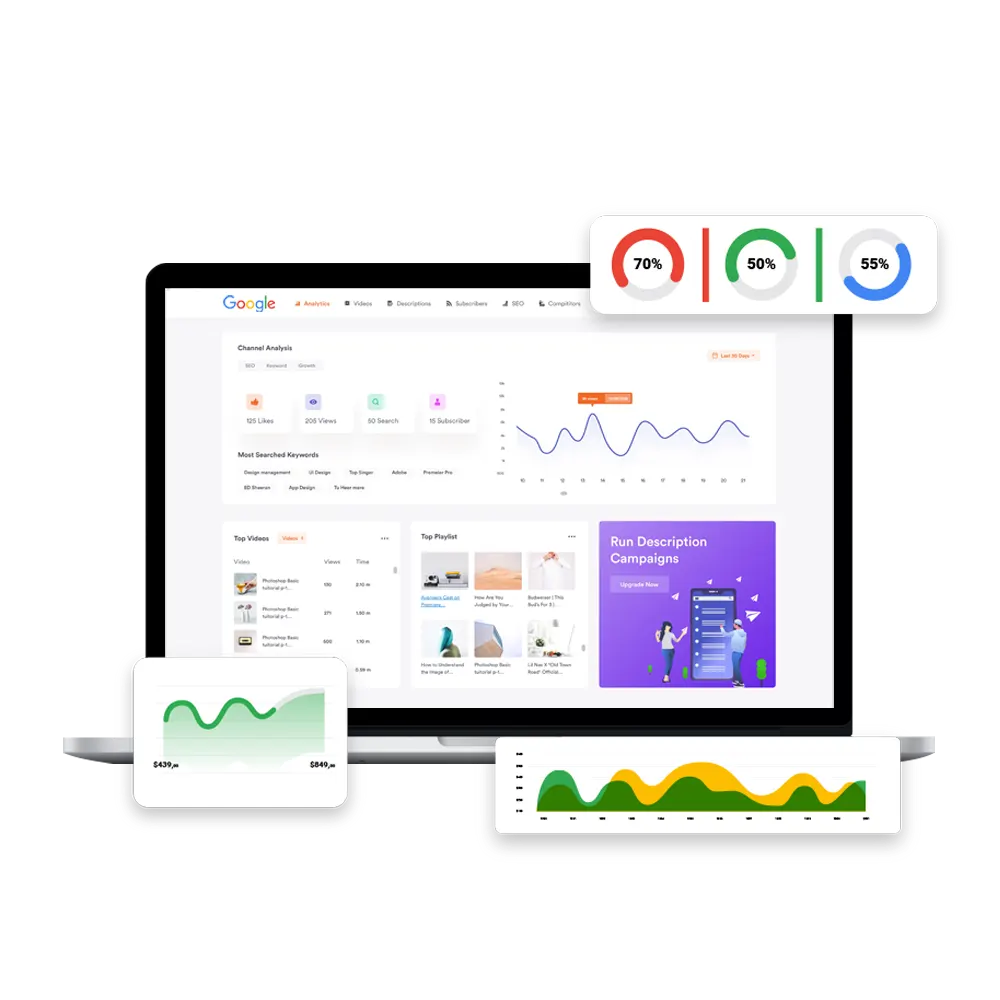
Irresistible Statistics
The click through rate of Google Ads is nearly 8%, which is quite impressive. Further, they generate 180 million impressions on average every month.
The best part is, as far as users with a strong intention to buy are concerned, Google Ads grab 65% of the clicks.
Impressive figures, aren't they?
Frequently
Asked Questions






It is a paid advertising platform for PPC channel advertising. Businesses pay only for clicks or impressions on the ads.
It is highly effective to drive traffic, get users to take the desired action through CTAs, and improve in-store visits as well.
Google Ads needs to be approached with great care and planning. Its success depends largely on how knowledgable you are in the technology and practices of Google Ads. Your Google Ads need to be optimized perfectly to get the best results. Also, you need to choose the best campaign type. Only a highly professional and competitive agency like Volga Tigris can ensure your Google Ads achieve the set goals within your budget.
